
Missed New Patient Calls
Calls can arrive while employees are helping patients, checking people in, or coordinating care.
KeenPlex helps dental offices improve patient access, scheduling, chair utilization, and front office capacity by connecting patient communication, workflow automation, managed IT, cybersecurity, and reliable cloud systems. The goal is to reduce repetitive administrative work, support consistent follow up, and keep technology available so staff can focus on patient care.
Every open chair represents capacity that could serve a patient. Consistent response, scheduling, confirmation, cancellation recovery, and recall help convert that capacity into completed visits.
Make it easy for prospective patients to reach the practice and schedule.
Use consistent scheduling, confirmations, and follow-up to protect available chair time.
Turn recovered chair capacity into more completed care—not more front-office work.
Front-Desk Bottlenecks
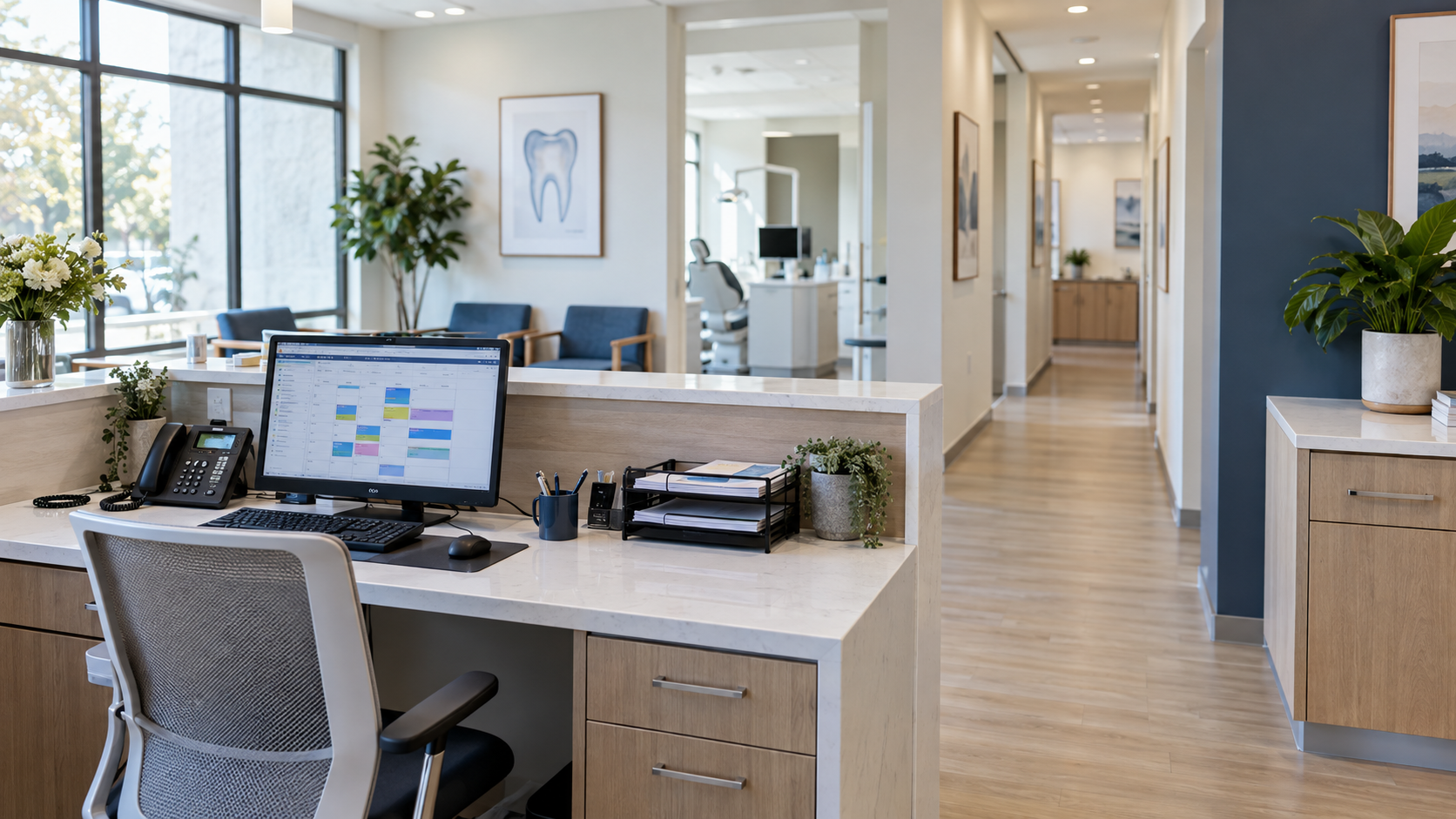
Calls can arrive while employees are helping patients, checking people in, or coordinating care.
Appointment requests can stall across repeated calls, messages, and manual coordination.
Open chair time stays unused when schedule changes are not identified and addressed quickly.
Manual recall makes consistent hygiene and continuing-care follow-up difficult to sustain.
Scheduling, reminders, questions, and coordination compete for limited employee attention.
Unreliable systems and devices interrupt scheduling, communication, and patient service.
These are informed operating hypotheses. Practice evidence should validate the actual consequence before leadership decides what to change.
A qualified patient opportunity may never reach the schedule.
Front-office teams may spend more time coordinating routine appointments.
Chair time may remain open without a consistent recovery process.
Planned production may not occur.
Patients due for care may not receive consistent communication.
Scheduling and patient communication may slow or stop.
Routine communication can move through a consistent process while complex, sensitive, or clinical questions are directed to the appropriate employee.

A patient reaches out by phone, form, or online.

The reason for the inquiry is determined.

Key details are gathered and logged.

The patient's scheduling need is confirmed.

The appointment is booked.

The patient receives a confirmation with details.

The information is saved in the practice system.
Scheduling efficiency supports chair utilization when requests, information, confirmations, reminders, exceptions, and practice updates move through a defined process.
Support timely handling of scheduling requests.
Collect routine information through a repeatable process.
Direct exceptions to the appropriate employee.
Make exceptions and updates easier to see.
A defined cancellation workflow creates the ability to respond more consistently when chair time becomes available. It does not assume every appointment can be filled.
 1
1 2
2 3
3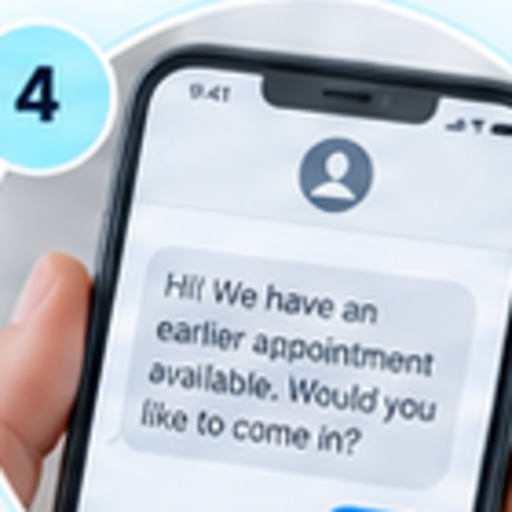 4
4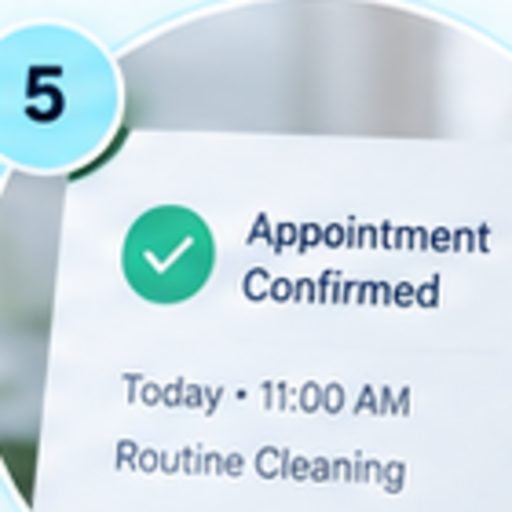 5
5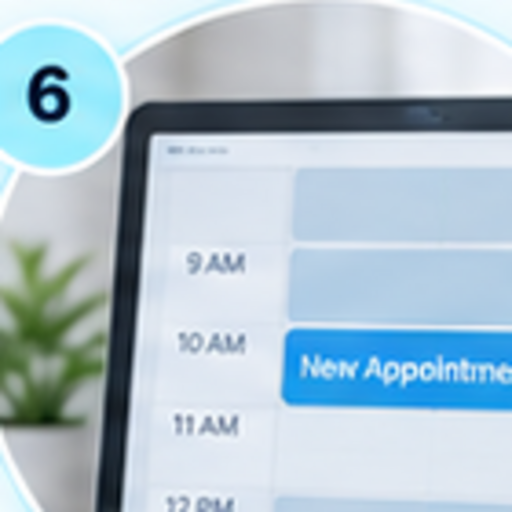 6
6Employees know when capacity opens.
The workflow identifies who or what responds.
Appropriate patients can receive relevant scheduling communication.
The result is reflected in the appointment workflow.
A clear confirmation process keeps patients informed, reduces confusion, and ensures the right next step—without adding extra work for your team.
The appointment remains in the planned workflow.
The request moves through a clear rescheduling path.
The right employee receives the exception with context.
The appointment remains in the planned workflow.
The request moves through a clear rescheduling path.
The right employee receives the exception with context.
Recall activity can support patient access when communication, response, scheduling, confirmation, follow up, and employee attention are part of one visible process.
Recall activity can support patient access when communication, response, scheduling, confirmation, follow up, and employee attention are part of one visible process.
Patients due for care enter a repeatable recall sequence.
Responses route into scheduling and confirmation without confusion.
Follow-up and employee attention happen inside one visible process.
Skilled employees are capacity to protect. The goal is to make routine activity more consistent while preserving human attention for sensitive, clinical, or complex needs.
Important work, but constant calls, scheduling, and follow-ups create pressure on your team.
Technology brings structure and consistency, so your team can focus on the people who need a human touch.
Skilled employees are capacity to protect. The goal is to make routine activity more consistent while preserving human attention for sensitive, clinical, or complex needs.
Important work, but constant calls, scheduling, and follow-ups create pressure on your team.
Technology brings structure and consistency, so your team can focus on the people who need a human touch.
Skilled employees are capacity to protect. The goal is to make routine activity more consistent while preserving human attention for sensitive, clinical, or complex needs.
Important work, but constant calls, scheduling, and follow-ups create pressure on your team.
Technology brings structure and consistency, so your team can focus on the people who need a human touch.
Patient service depends on a connected operating environment. Reliability should be understood through the business activity it supports.
Support dependable employee devices and appropriate access.
Improve reliability across the services practice systems depend on.
Create clearer ownership when multiple providers affect an issue.
Identify meaningful problems and support employees when work is interrupted.
Security should support dependable patient service, appropriate access, and clearer executive visibility without relying on fear based messaging or guarantees.
Control access to important information and systems.
Protect an important business communication channel.
Improve protection of the devices employees use every day.
Apply appropriate controls to how information moves.
Improve visibility into meaningful security events.
Chair utilization remains the primary operating story. AI governance is a supporting control for practices that want clearer oversight of employee AI use.
Understand what AI tools employees may be using.
Identify where patient or business information may enter AI workflows.
Define appropriate use and employee expectations.
Improve oversight and apply appropriate controls.
Recovery planning should connect critical services, dependencies, backup coverage, restore testing, communication responsibility, and operating priorities.
The operating condition comes first. Technology is selected only after leadership understands the constraint and its business consequence.
Clarify the desired outcome across chair utilization, patient access, scheduling, employee capacity, or resilience.
Examine calls, scheduling, cancellations, confirmations, recall, workflow, and reliability.
Determine how the condition may affect access, capacity, workload, or production.
Connect the appropriate communication, automation, technology, security, and continuity capabilities.
Use actual practice evidence to evaluate the operating result.
AI Employees can support incoming questions, information collection, scheduling, reminders, workflow updates, and human escalation.
Explore AI EmployeesWorkflow Automation can support confirmations, reminders, cancellation workflows, notifications, and repetitive activity.
Explore Workflow AutomationManaged IT can improve support, devices, networks, cloud systems, vendor coordination, and monitoring.
Explore Managed ITCybersecurity can strengthen identity, email, devices, monitoring, employee practices, and executive visibility.
Explore CybersecurityAI Shield can improve governance and visibility around employee AI use involving sensitive information.
Explore AI ShieldOutcomes should be measured against practice evidence. Structured communication and reliable operations can support capacity without making unsupported production claims.
Improved communication may help reduce missed patient opportunities.
Structured scheduling can support better use of available chair capacity.
A defined workflow creates the ability to respond more consistently to open chair time.
Managed reminders and follow up can improve workflow visibility.
Automated reminders may reduce repetitive front office effort.
Reliable technology supports patient service and employee productivity.
See where new patient calls, scheduling, cancellations, confirmations, and recall activity break down before choosing a solution.
Understand where new patient inquiries may not receive timely response.
Review how opportunities move from contact to appointment.
Examine what happens when chair capacity unexpectedly opens.
Review how routine patient reengagement is handled.
Understand the relationship between patient demand and available chair time.
Use operating data to create a conservative opportunity hypothesis.
For scheduling, confirmations, recall communication, manual handoffs, and repetitive front office activity.
Explore Workflow ReviewFor sensitive information, identity, employee devices, email, and security visibility.
Explore Security AssessmentFor employee AI use, sensitive information, governance, controls, and training.
Explore AI ReadinessThis scenario illustrates the operating method. It is not presented as a verified customer result.
Understand how patient contact connects to schedule capacity.
Read About Missed CallsLearn what a dental revenue capture review should examine.
View Revenue AssessmentCreate a more consistent response when chair time opens.
Improve Cancellation WorkflowsConnect patient reminders, response, scheduling, and follow up.
Improve Recall CommunicationReduce repetitive activity while protecting human attention.
Protect Front Office CapacityConsider sensitive information, governance, controls, and training.
Guide Employee AI UseConnect interruptions to patient service and practice production.
Improve Technology ReliabilitySupport better use of available chair capacity through consistency.
Improve Scheduling WorkflowsTechnology can support faster patient response, more consistent scheduling, confirmations, cancellation workflows, recall communication, and reliable operations. A Revenue Capture Assessment can identify where capacity may be leaking before solutions are selected.
A qualified patient opportunity may never reach the schedule. The actual consequence should be validated with practice evidence, including contact patterns, response timing, appointment conversion, and available chair capacity.
Yes. Routine questions, information collection, appointment requests, confirmations, reminders, workflow updates, and clear employee escalation can move through a defined process when systems and practice rules support it.
A defined workflow can identify open capacity, clarify ownership, trigger appropriate patient communication, and update the schedule. It creates a consistent response without claiming every canceled appointment will be filled.
Routine recall reminders, prompts, follow up, employee notifications, and reporting can be supported by workflow automation. Clinical judgment and sensitive patient questions should remain with the appropriate employee.
Complex, sensitive, clinical, or exceptional needs should be routed to the right employee with useful context. Routine communication should support the team, not replace professional judgment or personal patient care.
KeenPlex begins by understanding the operating goal, existing systems, workflow dependencies, vendor responsibilities, and available integration options. Recommendations should fit the practice environment and evidence.
Structured communication and workflow automation can support routine scheduling, confirmations, reminders, recall activity, and notifications. A Workflow Review can identify repetitive work and appropriate exceptions.
Practices should understand current AI use, sensitive information exposure, approved use, employee expectations, technical controls, and leadership visibility. An AI Readiness Assessment can help define the starting point.
It reviews missed contacts, response timing, scheduling, follow up, cancellations, recall activity, capacity utilization, available evidence, and a conservative opportunity hypothesis before technology decisions are made.
Find the communication, scheduling, workflow, and technology gaps limiting chair utilization—then prioritize the right next step.